Terracing
Chapter of the Ditch Assist app manual. The same text is in the app under Manual.
In the app Manual › Terracing
What this mode is for
Terracing builds a terrace: a channel (the water-carrying ditch) plus a berm (the raised earthen ridge that diverts water). The whole point of the mode is the soil balance — you grade the channel and use the spoil to rebuild or build up the berm. Cut from the channel = fill for the berm. The two halves are designed together so the volumes match — minimizing the need to haul soil in or off the field.
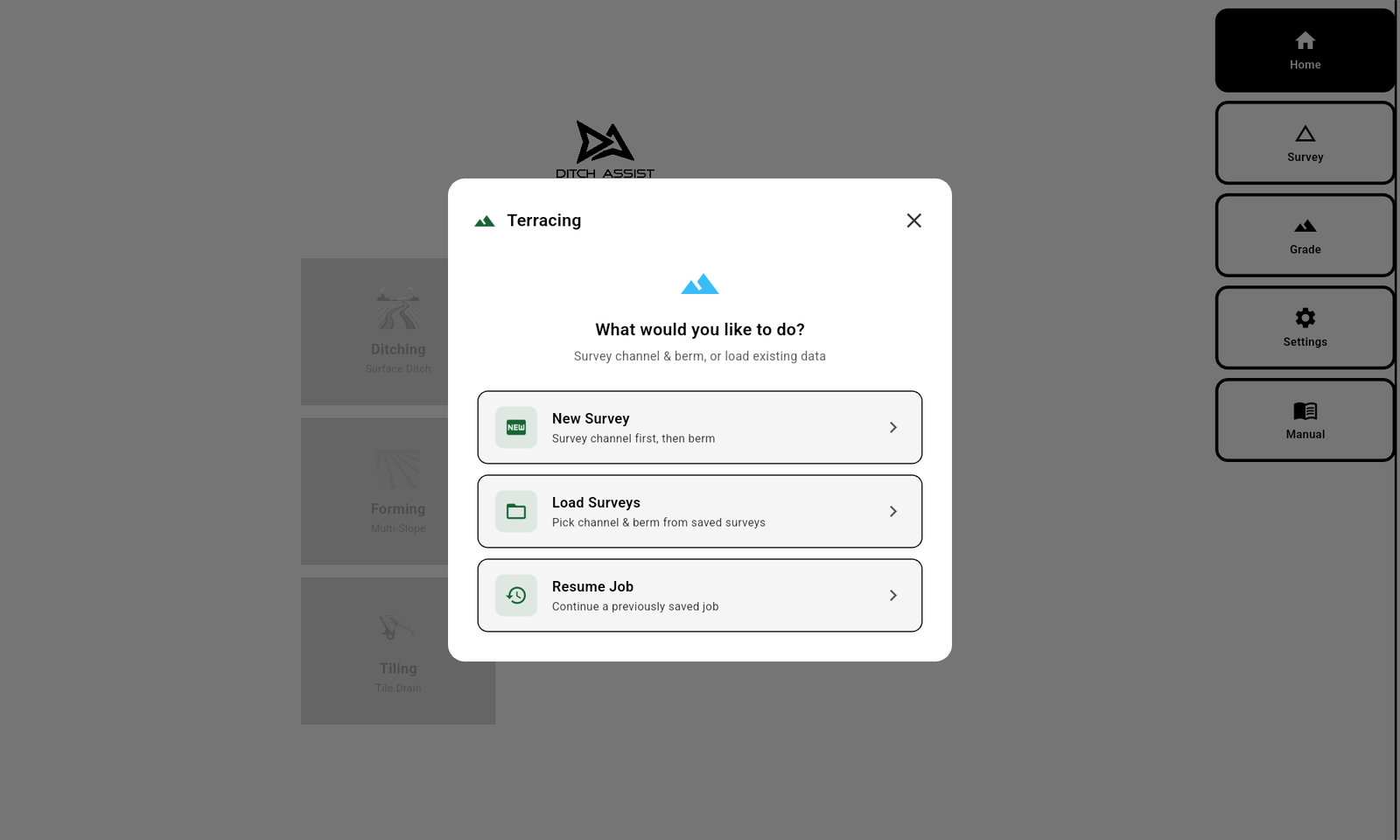
For routine upkeep, choose Simple Maintenance, the first Terracing Method, then choose New Survey, Load Survey, Load Design, or Resume Job to pick a saved Simple Maintenance job back up. All four choices live in the Simple Maintenance menu itself — you no longer have to go through Standard Terracing to resume. New and loaded surveys use only the channel. Design its finished grade; Terrace channel designs start with a 0.10% minimum grade. The app makes the berm target an exact copy of that channel design plus the adjustable Berm Offset (18 inches by default). The operator chooses where to drive the berm and whether each area needs filling or grading. Because no berm terrain was surveyed, this path intentionally omits berm fill and soil-balance estimates.
You survey twice — once for the channel, once for the berm — then design both, then grade. The app switches between channel-cut and berm-fill targets as you implement so the same machine builds both halves.
Use Terracing when:
- You're building a parallel terrace (channel and berm together).
- You want volume balance between cut and fill.
- The job has known compaction (default 15%) so the fill needs more raw soil than the cut excavates.
Workflow at a glance:
- Connect to the controller.
- Survey the channel. Save.
- Survey the berm centerline. Save.
- Open the Terrace design dialog. Set the channel grade and minimum berm height.
- Review the volume balance (cut vs fill, with compaction). Adjust the channel offset until balance is reached.
- Apply the design.
- Calibrate the BM. Grade — first the channel, then switch to the berm.
In this chapter
Did this answer your question?
Thanks. That tells us which pages to improve.
Still stuck? Talk to a product specialist. 1-833-DITCH-AS · support@ditchassist.com · Monday to Friday, 8 a.m.–5 p.m. Central.
Calling about a problem? Send your app logs first so support can see what happened.