Settings Reference
Chapter of the Ditch Assist app manual. The same text is in the app under Manual.
In the app Manual › Settings Reference
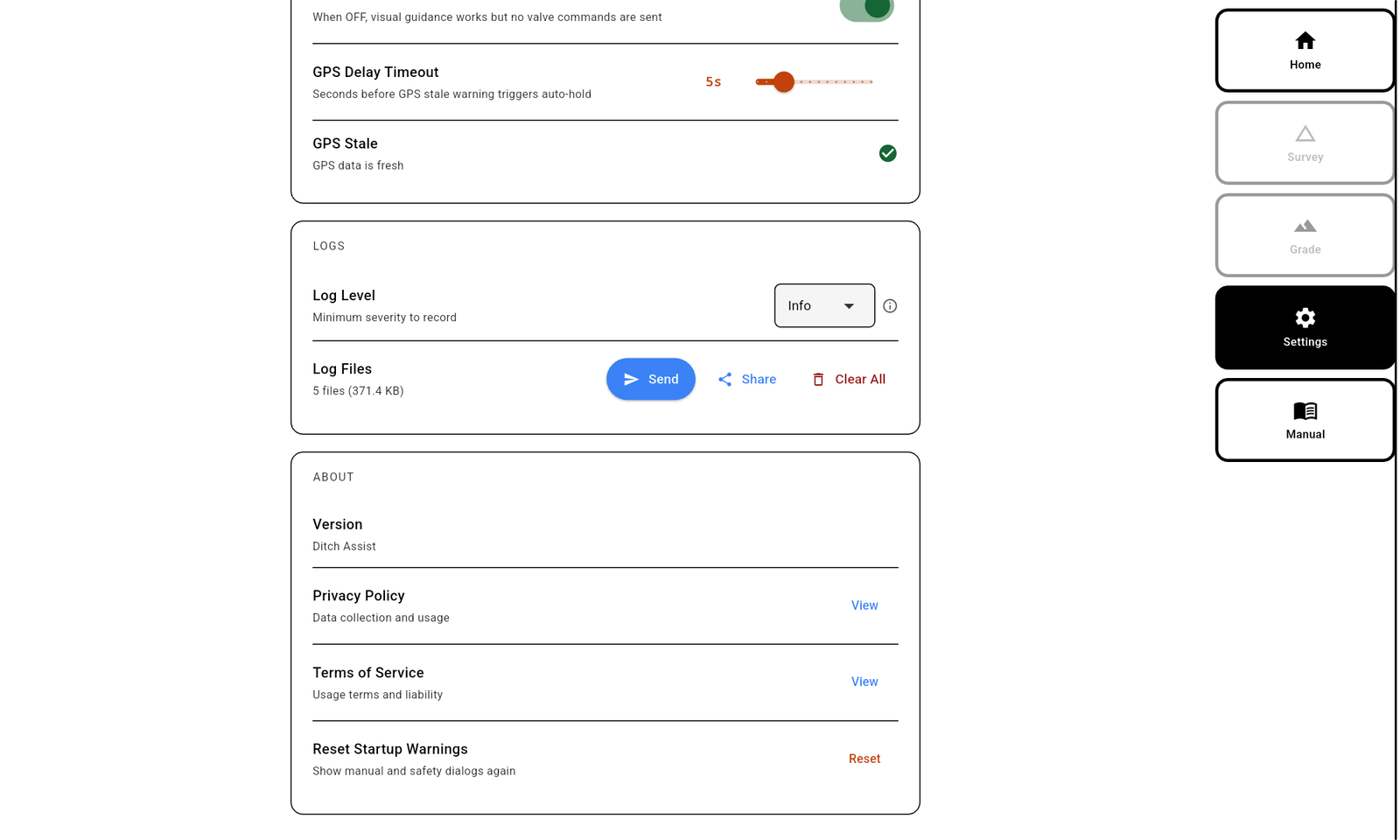
The Settings screen is grouped into sections, accessed from the Settings tab in the sidebar. This page lists every setting with what it does in plain language. Settings persist between sessions unless noted otherwise.


In this chapter
Did this answer your question?
Thanks. That tells us which pages to improve.
Still stuck? Talk to a product specialist. 1-833-DITCH-AS · support@ditchassist.com · Monday to Friday, 8 a.m.–5 p.m. Central.
Calling about a problem? Send your app logs first so support can see what happened.